
Animate · Slideshow
Make an animated photo slideshow with music
You came looking for a slideshow. Leave with something better: a sequence where every photo is quietly alive — faces that smile, eyes that catch the light — joined by one soundtrack.
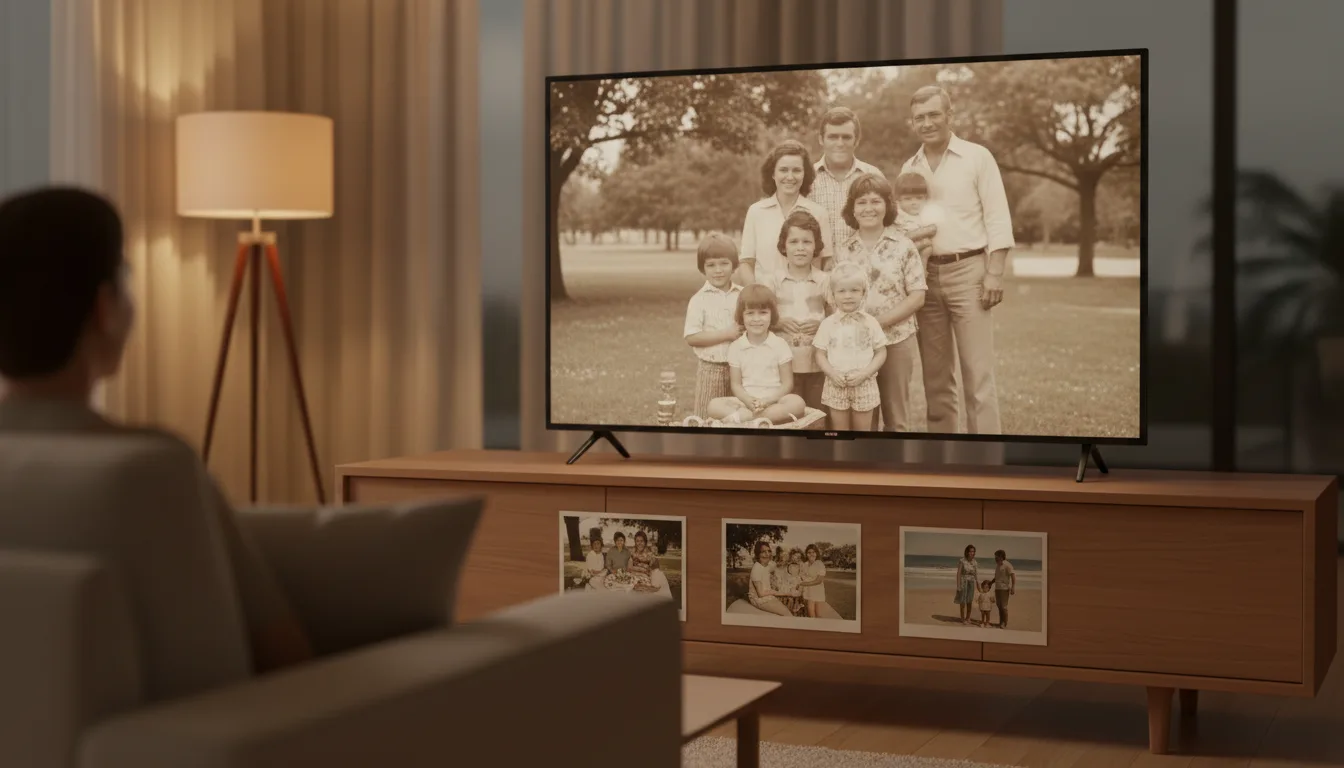
Every slideshow maker offers the same three moves: fade, pan, zoom. FotoRipple skips all three and animates the photograph itself.
The slideshow’s real problem isn’t the software
It’s attention. Somewhere around slide fifteen of a traditional slideshow, phones come out. The fix isn’t better transitions — it’s fewer, stronger images that do something.
An animated sequence solves both halves: FotoRipple’s 3–10 photo format forces curation, and the internal motion — a bride’s smile widening, a grandfather glancing up — keeps every eye on the screen for the whole two minutes.
Old photos welcome
Slideshow tools assume clean digital images. FotoRipple assumes the opposite: that your best material is a faded print in an album. Restoration and colorization are free and happen before animation, so the 1958 wedding photo sits comfortably next to last year’s phone shot.
How it works
- 1Choose 3–10 photos. The classic slideshow mistake is 80 slides; this format forces the good kind of curation.
- 2Let FotoRipple restore them free. Old prints get repaired and colorized so every slide looks its best.
- 3Animate each slide. Instead of a pan effect, the people in each photo gently move.
- 4Add music and export in HD. Play it from a laptop, cast it to the TV, or share the link.
Every slide is alive
The difference between a slideshow and this is the difference between looking at photos and watching them.
Event-ready
Birthdays, anniversaries, reunions, retirements — a 2–3 minute animated sequence fits the moment a long slideshow overstays.
No editing timeline
No transitions to fiddle with, no render settings. If you can pick photos and a song, you can finish this in minutes.
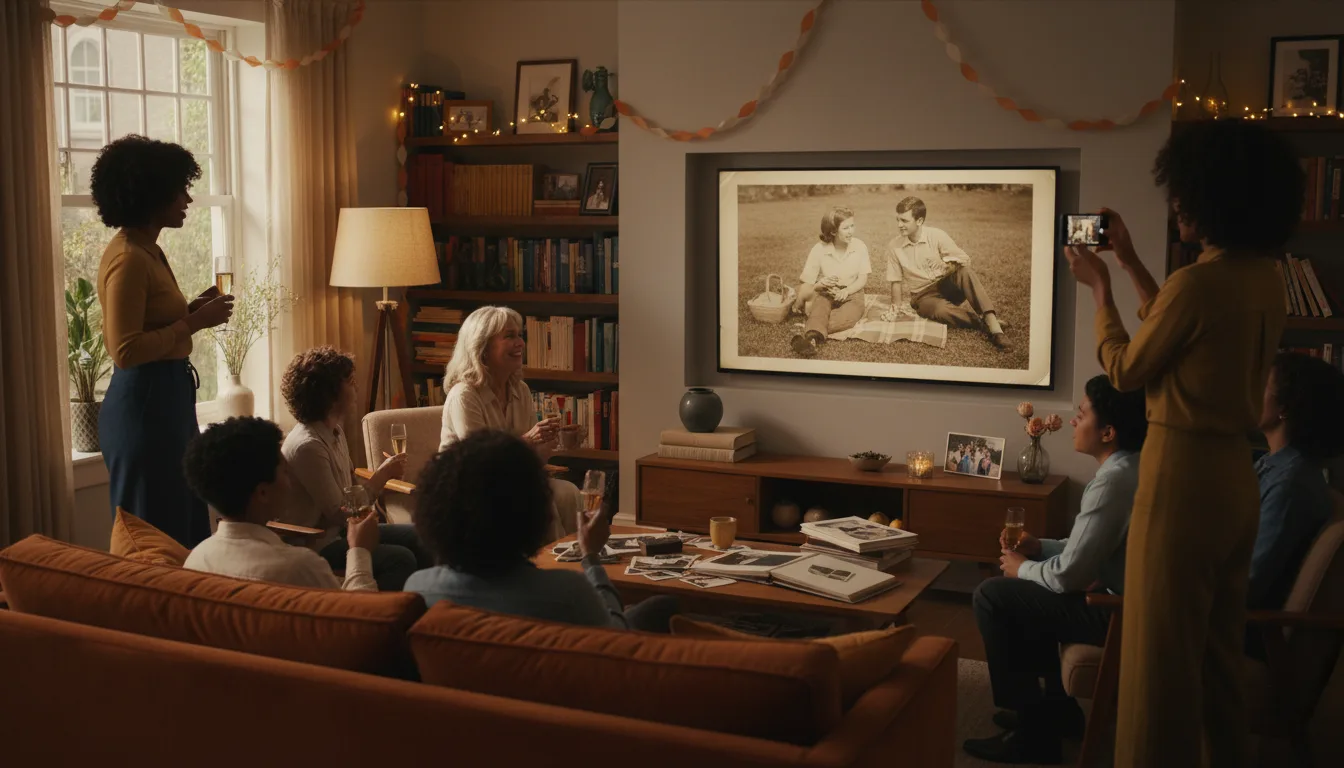
Example: the reunion slideshow, upgraded
Imagine being assigned "the slideshow" for a family reunion. Instead of scanning 100 photos into PowerPoint, you pick ten across five decades — one per household. FotoRipple restores and animates them; a folk song your grandmother loved ties them together. It runs three minutes, and afterwards three cousins ask you how you made it.
Hypothetical example — see what real customers say on the reviews page.
Tips for the best result
- Order slides chronologically for a life story, or group by family branch for reunions.
- One photo per 'chapter' beats five similar shots — variety keeps attention.
- Match the song length to the sequence: 3–10 animated clips sit comfortably inside one song.
- Test it on a TV before the event; HD export means it holds up on a big screen.
- Old prints first deserve free restoration — projection magnifies flaws.