
Guide · Music
How to add music to a photo video
Editors have a saying: the audience forgives rough pictures but never a wrong sound. In a photo video, the song isn't accompaniment — it's the narrator. Here's how to choose and add it well.
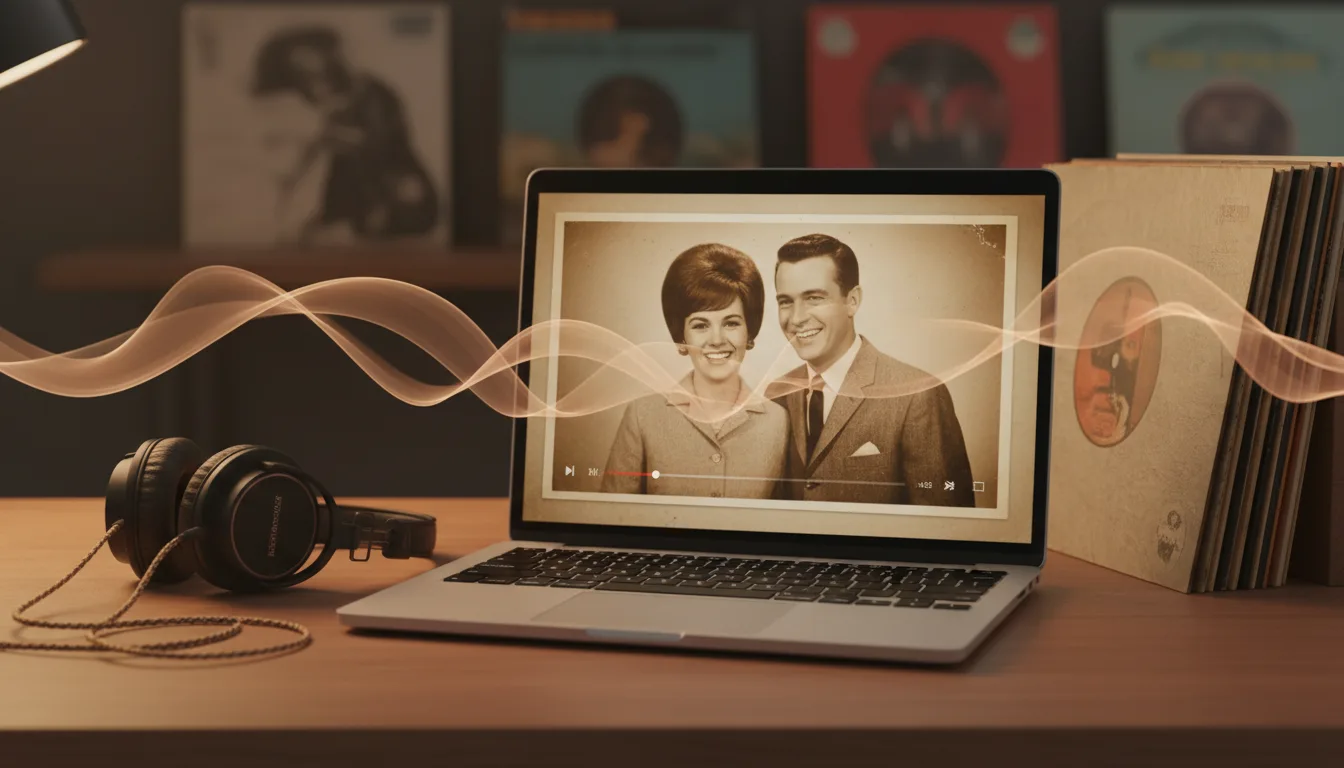
Adding music is mechanically trivial — FotoRipple does it as the final step of the workflow. Choosing music is the craft, and it follows learnable rules.
Why the song is the narrator
A sequence of photographs is emotionally ambiguous — the same six images read as celebration, elegy, or comedy depending entirely on what’s playing underneath. Music resolves the ambiguity before the first photo even registers: the opening bars tell the viewer how to feel about what’s coming, and every image after arrives pre-interpreted.
This is why song choice can’t be delegated to “something nice.” You’re choosing the video’s meaning.
The three matching rules
Match the subject. The song should belong to the person in the photos — their era, their taste, ideally their specific history. A viewer who knows them hears the match instantly, and the video gains authority.
Match the tempo to the occasion. Slow tempos instruct reflection; mid-tempos instruct nostalgia; bright tempos instruct joy. Mismatches confuse: a peppy track under remembrance photos reads as error, not range.
Match the arc. Songs have shapes — intro, build, peak, resolution. Put your strongest photo at the song’s peak and your closing photo on the resolution. This single trick is most of what “professionally edited” feels like, and it costs nothing but attention. The memory video method covers where the strongest photo goes; the song tells you when.

How it works
- 1Animate the photos first. Upload 3–10, restore free, animate — the clips come before the score.
- 2Choose the song by the subject, not the maker. Their era, their taste, their moment.
- 3Add the track in the workflow. One song across all clips binds them into a single film.
- 4Watch once with eyes closed. If the song alone carries the feeling, you chose right. Export and share.
Tips for the best result
- The recognition trigger beats the beauty trigger: an average song they love outperforms a beautiful song they don't know.
- Match tempo to occasion — slow for remembrance, mid for nostalgia, bright for birthdays and reunions.
- Era-match for time travel: 1950s photos under a 1950s recording double each other.
- Instrumental versions rescue songs whose lyrics fight the pictures.
- For public posting, mind music licensing; for private family sharing, use the song that's theirs.