
Memories · Celebration of life
Create a celebration of life video
A celebration of life asks something specific of its video: warmth over solemnity, laughter alongside tears, the whole person rather than the loss. Photographs from across the years — gently restored and set in motion — carry exactly that.
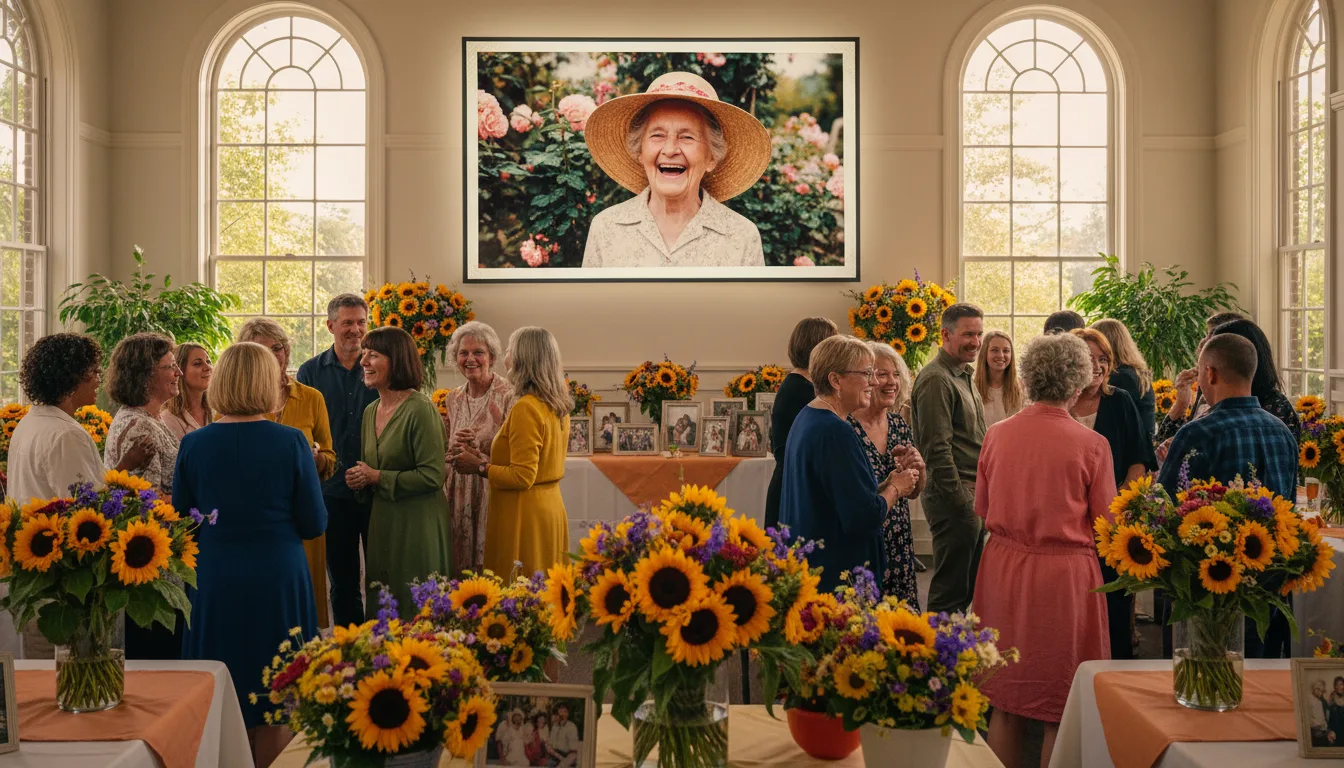
Families who choose a celebration of life over a traditional service are choosing a tone — grateful, storytelling, even joyful. The photo video for such a gathering follows the same brief.
What a celebration of life asks for
The format exists because some lives — and some families — want gratitude at the center rather than grief. The gathering trades eulogies for stories, black for color, silence for the person’s own music. Its video should follow: not a montage of loss, but a portrait of aliveness — which is, precisely, what photo animation is for. A still photo of someone laughing documents the laugh; the gently animated version lets the room hear it.
Assembling warmth on a deadline
Practical notes: the crowdsourcing ask does double duty (photos arrive with stories that speakers can use); free restoration means the faded 1960s photos join the celebration as vividly as last year’s; and the 3–10 photo format keeps the video inside the gathering’s rhythm. For the quieter registers of remembrance, the memorial and preserving memories pages continue from here.
How it works
- 1Collect the living photos. Ask everyone for the images where the person is most themselves — mid-laugh, mid-project, mid-dance.
- 2Restore and colorize free. The older chapters come back bright; the whole life gets equal footing.
- 3Animate the joyful ones. Gentle motion suits celebration especially well — the laugh completes, the eyes shine.
- 4Choose their music, not mourning music. The song they sang along to, played at the gathering.
Tone-matched
Where a funeral tribute leans quiet, a celebration-of-life video can smile — animated photos of the person laughing set the room's register.
The whole person
Childhood mischief, working years, hobbies, the terrible puns — celebrations honor the full character, and 3–10 photos can hold it.
Everyone contributes
Crowdsourcing photos from friends and family is itself part of the celebration — stories arrive attached to every image.
One celebration's shape
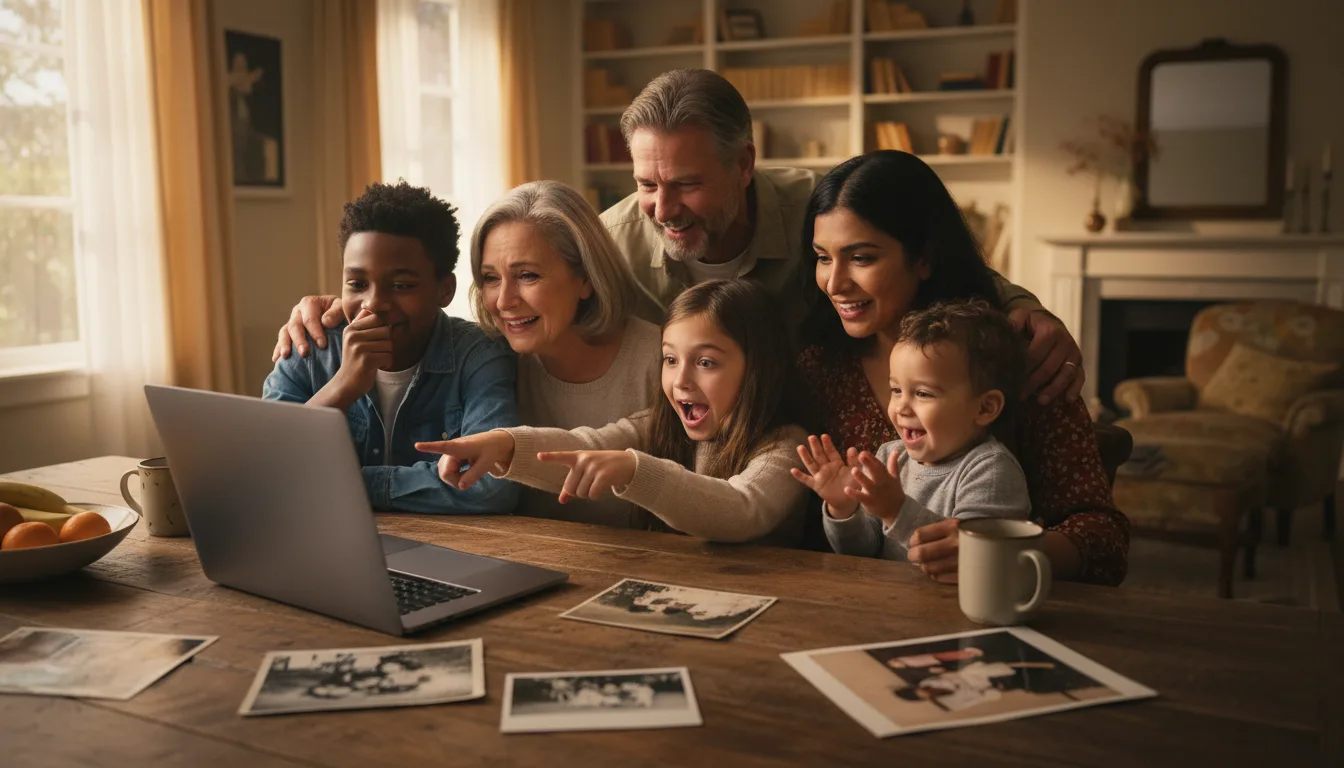
Imagine a celebration of life for a woman who gardened, joked, and fed everyone: the video opens on her at nineteen laughing on a fence (restored from a faded print), moves through the wedding she nearly missed by being late, the legendary vegetable patch, grandchildren buried in zucchini, and closes on her at eighty, mid-punchline at a family dinner. Her favorite swing tune underneath. The room laughs twice and cries once, in that order — which is what she'd have specified.
A hypothetical example of tone — every celebration finds its own.
Tips for the best result
- Brief contributors clearly: 'photos where she's laughing or doing her thing' yields the right archive.
- Lead with energy — the opening photo licenses the room to smile.
- Mix decades deliberately; a celebration surveys the life, not just the final years.
- Upbeat music from their era outperforms solemn instrumentals at these gatherings.
- Share the video link afterward with everyone who attended — and those who couldn't.