
Keepsake · Funeral
Funeral tribute video
A tribute video gives a service a gentle, human heart. FotoRipple helps you restore and softly bring to life the photos that tell a person's story — ready to play and to keep.
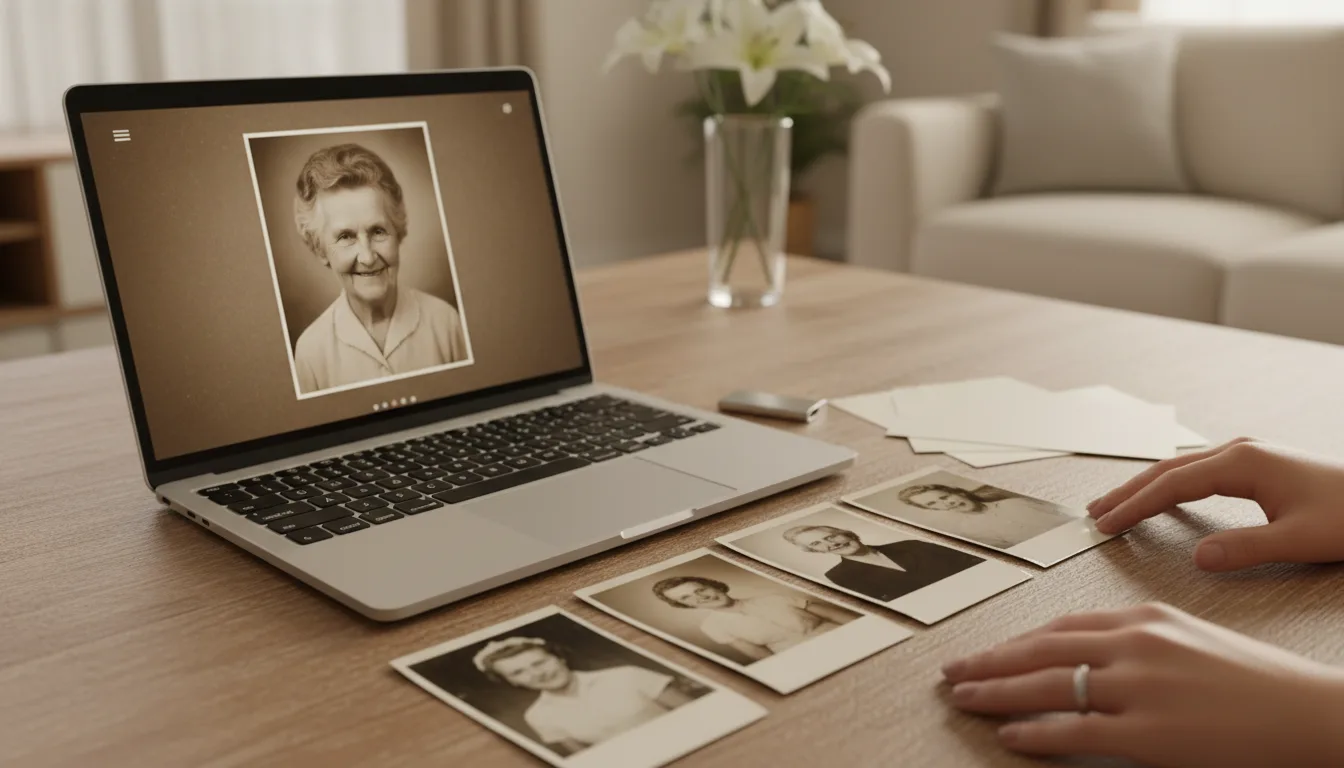
In the short, emotional window before a service, FotoRipple makes it simple to turn cherished photos into a moving tribute video — restored, gently animated, and set to music.
A human heart for the service
Amid the arrangements, a tribute video is often the moment that lets people simply remember. Faces from across a lifetime — restored, warmed with color, gently moving — carry the presence of the person into the room. FotoRipple helps you create that, even on a short timeline.
Simple, even under pressure
- Restore the chosen photos so they look their best.
- Colorize older black-and-white images.
- Animate the portraits with gentle motion.
- Add music and download a video ready to play.
Made with care, following the principle to repair the damage, keep the person. See the full memorial video guide for tips.
How it works
- 1Collect the photos that matter. A few meaningful images tell the story best.
- 2Restore & animate them. FotoRipple revives each photo and adds gentle, dignified movement.
- 3Add music & download. Set it to a fitting track and download the video ready to play at the service.
Ready in time
Restoration and animation happen in minutes, so a beautiful tribute is achievable even on a short timeline.
Gentle and dignified
The motion is soft and respectful — a living presence, never a spectacle — appropriate for a service.
Yours to keep
After the service, the video remains a keepsake the family can revisit for years.

A realistic timeline
The service is Friday; it's Tuesday. Tuesday evening, relatives send photos to one person — twenty arrive by phone within hours. Wednesday, the best ten are uploaded; restoration runs free on the faded ones while dinner cooks. Thursday, the clips are reviewed, one portrait is gently animated, a hymn is added, and the file is sent to the funeral home and copied to a USB stick. Friday, it plays without a hitch. The making took perhaps three hours in total, spread across the week's quieter moments.
Shared to show the timeline is manageable — even in a hard week.
Tips for the best result
- Delegate if you can — a niece or family friend assembling the video is a real way for them to help.
- Confirm the venue's playback setup early (screen, sound, file format) and bring the video on two devices.
- Eight to ten photos over one piece of music fits the rhythm of most services.
- Animation can be reserved for one or two portraits, with the rest still — restraint suits the setting.
- Save the project photos; many families extend the tribute into a fuller memorial video afterward.