
AI Animation
AI photo animator
There are AI animators built for viral clips, and there's FotoRipple — an AI photo animator built for the photographs that matter: restrained motion, free restoration, and a finished video with music at the end.
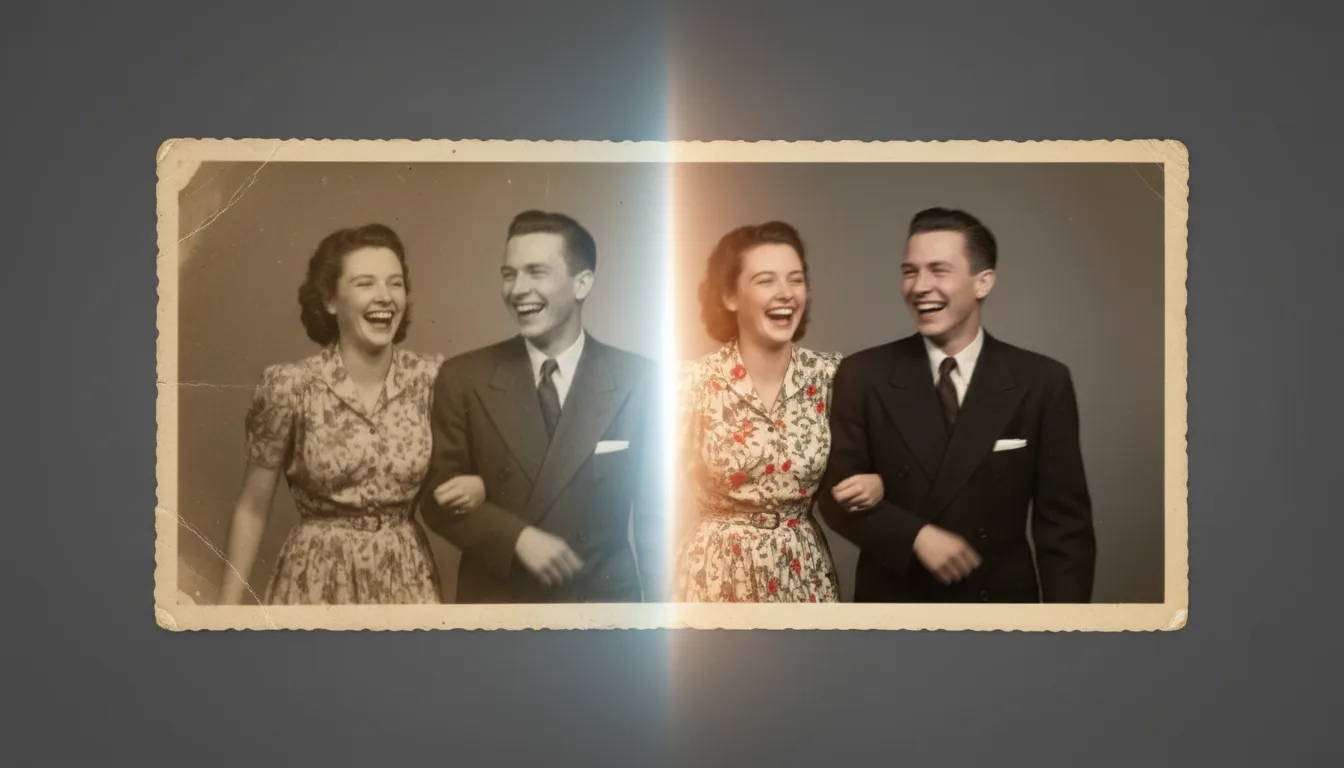
If you're comparing AI photo animators, the differences that matter aren't in the AI — they're in what surrounds it: how photos are prepared, how motion is tuned, and what you end up holding when it's done.
What “AI photo animation” actually does
Modern animation models study how faces move in real video — how a smile forms, how eyes shift, how a head settles — and apply that learned motion to the single frame you provide. The output is a short clip in which the photograph’s subject moves plausibly for a few seconds.
The quality ceiling is set by two things: the clarity of the input face and the taste with which motion is applied. That’s why FotoRipple pairs its animator with free restoration on the way in, and why the motion itself stays deliberately quiet.
Honest limits
An AI animator interprets; it doesn’t remember. It can’t recover how your grandfather actually laughed — it produces a natural, plausible movement consistent with his face. Most families find that distinction stops mattering the moment the clip plays. But we’d rather you know it going in, and 20,000+ animated photos suggest the honest version is more than enough.
How it works
- 1Upload 3–10 photos — scans, prints photographed with a phone, or digital shots.
- 2Free AI restoration & colorization. Fading, damage, and monochrome are handled before animation, at no cost.
- 3AI animation. Subtle, natural movement per photo — smiles broaden, eyes sparkle, hair stirs. Regenerate freely.
- 4Music & HD export. Join the clips with a soundtrack and download or share the finished video.
Tuned for realism, not virality
Some animators chase dramatic effects. FotoRipple deliberately keeps motion small and human — the setting you want for family photographs.
Preparation included
An animator is only as good as its input. Free restoration and colorization mean the AI always works from the best version of your photo.
Ends in a video, not a file dump
Most tools hand you loose clips. FotoRipple's endpoint is a finished memory video with music, shareable in HD.
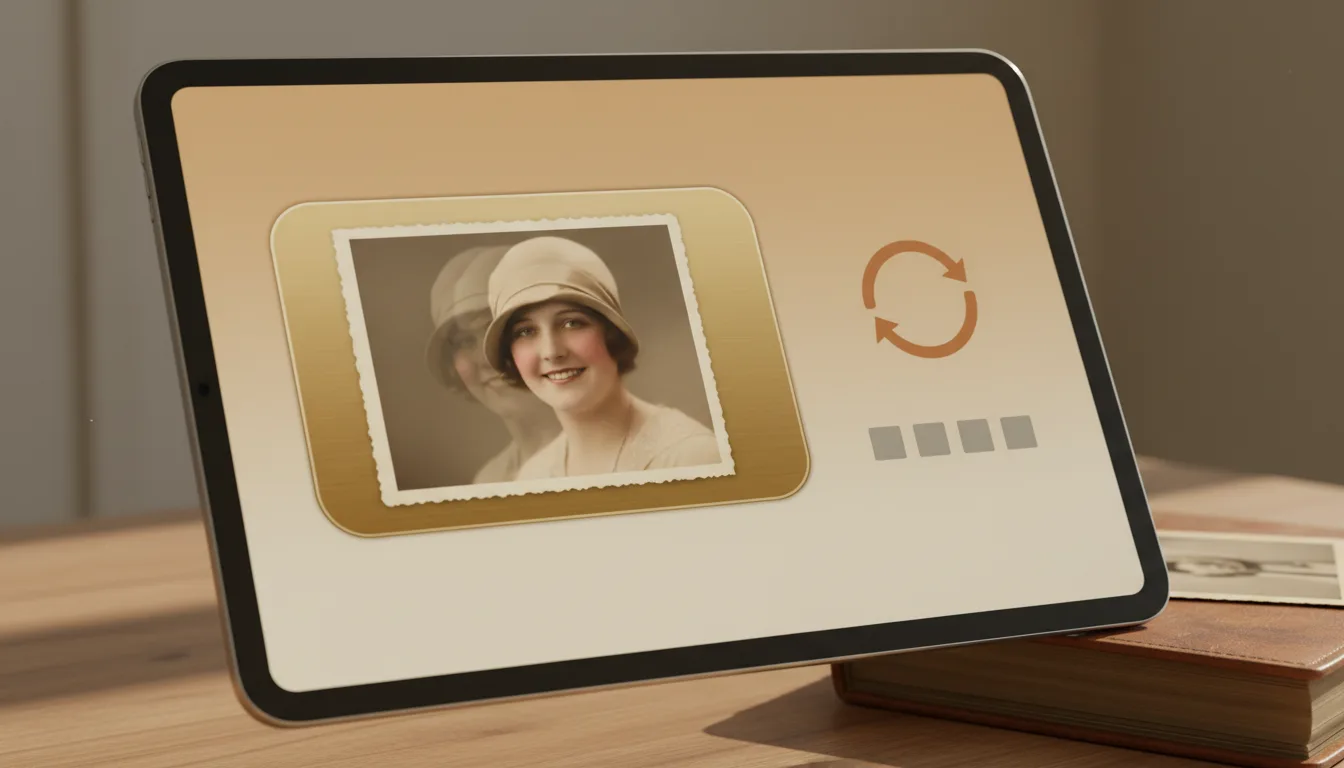
Example: choosing an animator for grandma's photos
Suppose you've got six photos of your grandmother spanning 1945–1990 and you're evaluating tools. A generic AI video app animates one image at a time, ignores the fading, and exports watermarked clips. FotoRipple restores all six free, colorizes the two monochrome ones, animates each with quiet motion, and gives you one HD video set to her favorite waltz. Same AI era — different intent.
Hypothetical comparison scenario; no specific competitor implied.
Tips for the best result
- Judge any AI animator on old, imperfect photos — not the pristine demo images.
- Check what happens before animation: restoration quality decides the result. FotoRipple's is free, so test it first.
- Look for a regenerate option — first takes aren't always right, whatever the tool.
- Think about the endpoint: loose clips or a finished video with music?
- Start with the photos that matter least to you, learn the feel, then animate the treasures.