
Guide · Compare
Best photo animation apps in 2026
Bringing a photo to life is powerful — but only if the motion feels real. Here's how to choose a photo animation app that moves people rather than unsettling them.
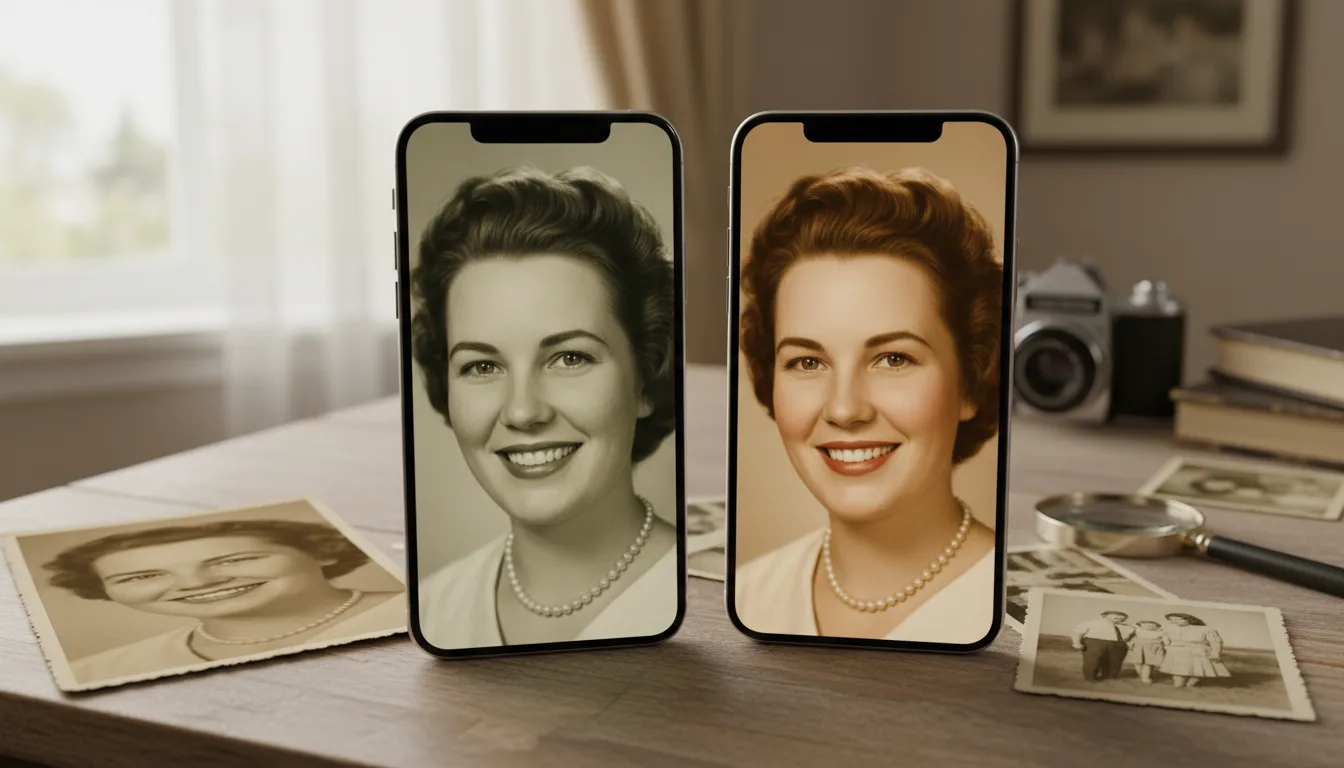
The best animation app produces gentle, believable movement, keeps the person looking like themselves, and lets you build a real keepsake with music. Here's the checklist.
The checklist for photo animation apps
- Natural, gentle motion. The number-one factor. Subtle movement feels alive; exaggerated movement feels fake. Test on a real portrait.
- Identity preservation. The animated face must stay your relative, not drift into a generic AI face.
- Music and video building. The most moving keepsakes combine several animated photos with a meaningful track.
- Full-resolution output you can keep and share.
- Fair pricing — pay-as-you-go for occasional projects.
- All-in-one workflow. Restoring and colorizing before animating dramatically improves results, so a tool that does all three is a real advantage.
Why preparation matters as much as the app
Even the best animation app struggles with a dark, damaged, tiny face. The strongest results start with a restored, face-enhanced, colorized image. FotoRipple builds those steps in, so the photo you animate is already at its best.
Test on the photo that matters
Pick the portrait you most want to see move, and animate it free. Judge whether the motion feels real and whether the person still looks like themselves. To build a full tribute, see create a memorial video.
Tips for the best result
- Test every candidate app on the same damaged old photo — demos use ideal inputs; your shoebox won't.
- Check what the free tier really delivers: resolution, watermarks, and whether restoration is included.
- Prefer pay-as-you-go for occasional family projects; subscriptions suit daily creators.
- The regenerate option matters more than advertised styles — first takes vary in every tool.