
Guide · Colorize
Best photo colorizers in 2026
There are dozens of photo colorizers now. Rather than a shifting ranked list, here are the qualities that actually separate a great one from a gimmick — so you can choose confidently.
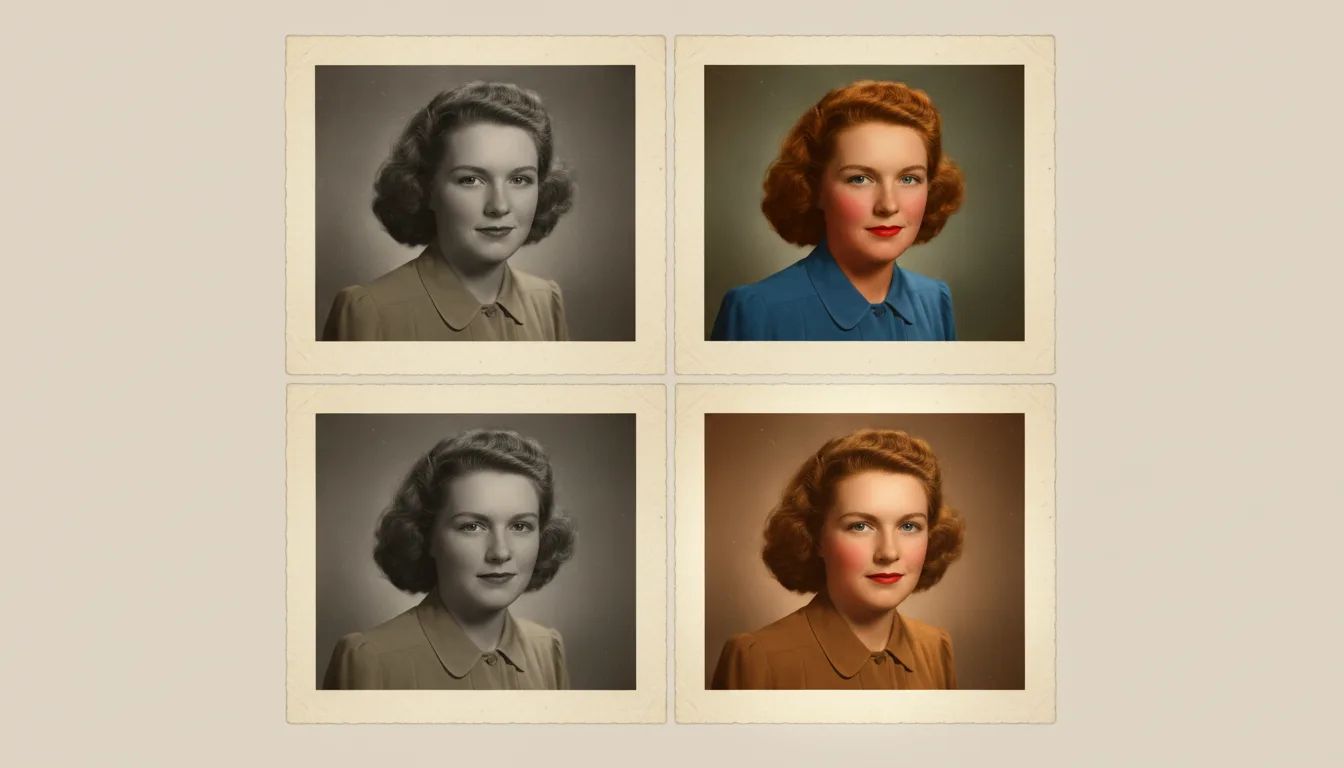
The 'best' colorizer isn't the one with the flashiest demo — it's the one that produces natural color, keeps your resolution, respects your privacy, and doesn't trap the result behind a watermark.
What actually makes a colorizer “best”
Demos are easy to cherry-pick. On your own photos, these are the qualities that matter:
- Natural color, especially skin. The fastest tell of a weak colorizer is grey or waxy skin and muddy tones. Great tools produce believable, warm, natural color.
- Full resolution, no watermark. Your colorized photo should be yours to keep and print — not a watermarked preview.
- Clean source handling. The best results come from tools that also restore the image first; damage confuses colorization.
- Privacy. Family photos are personal. Check how uploads are stored and deleted — see our privacy policy.
- Fair, simple pricing. Pay-as-you-go beats a subscription for an occasional project.
Why an all-in-one helps
Colorization rarely stands alone. You usually want to restore first and often animate afterward. A tool that does all three — like FotoRipple — saves you exporting between apps and keeps quality consistent across steps.
Try before you commit
The only real test is your own photo. Colorize your first one free and judge the color, resolution, and naturalness yourself. For a free-first workflow, see colorize photos free; for the wider toolkit, best photo restoration apps.
Tips for the best result
- Judge colorizers on skin tones first — it's where weak tools fail fastest.
- Test with a photo containing sky, skin, and foliage; those anchors reveal quality.
- Restore before colorizing in any tool; clean input improves every colorizer.
- Keep both versions — a good workflow never overwrites your monochrome original.