
Guide · Colorize
How to colorize black and white photos
Black-and-white photos hold your oldest memories. Here's how to add natural, realistic color to them — and why cleaning the image up first makes all the difference.
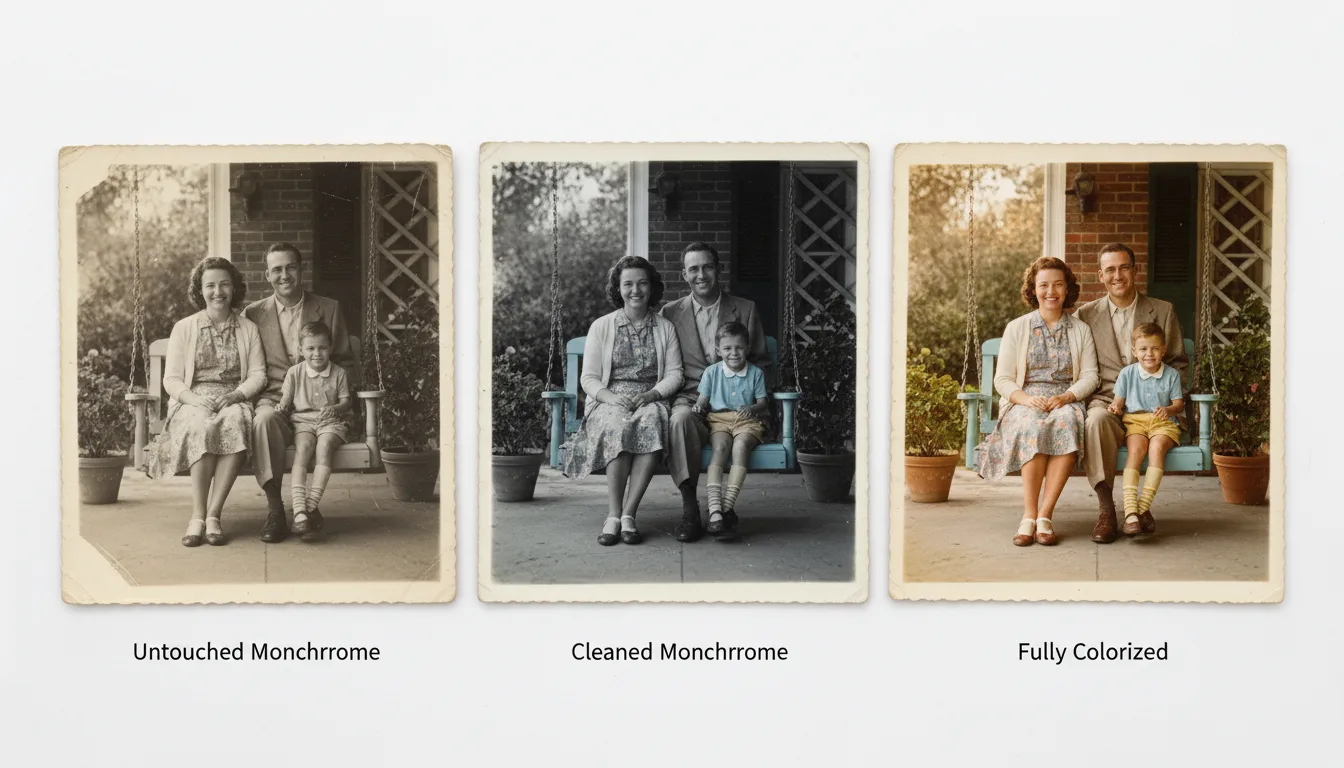
Colorizing a black-and-white photo is a two-step story: clean the image, then let AI add believable color. Done in that order, the results can be breathtaking.
Step 1 — Clean the image first
Black-and-white prints are usually the oldest in a family, so they often carry silvering, spots, and scratches. Restore the photo first: a clean image gives the colorizer clear shapes and textures to work from, producing far more accurate color.
Step 2 — Colorize
Upload the cleaned photo to colorize old photos. The AI recognizes faces, clothing, skin, foliage, and sky, and applies natural color to each. It happens in seconds.
Step 3 — Compare and choose
If a color choice looks off, re-run and compare. You can keep the version that feels most believable — and your black-and-white original stays safe either way.
Step 4 — Make it move
A colorized portrait of a grandparent or great-grandparent is a moving thing on its own. Animate it for a few seconds of gentle life, and you have an unforgettable gift. For more background, see how to colorize old photos.
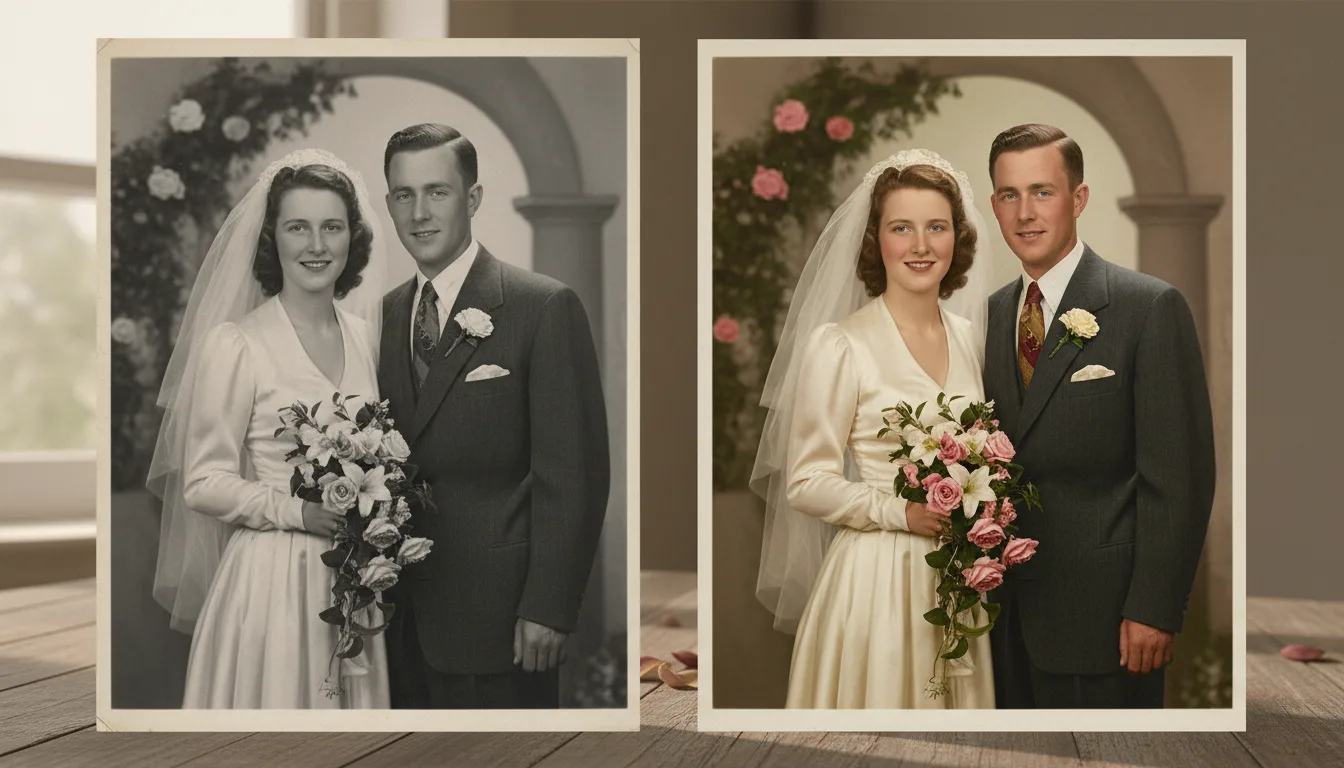
Tips for the best result
- Scan monochrome prints in color mode — the yellowing data helps restoration.
- Clean first, color second: the two free steps compound.
- Compare colorized and original side by side before choosing a display version.
- Photos with skin, sky, and foliage anchor the most convincing color.