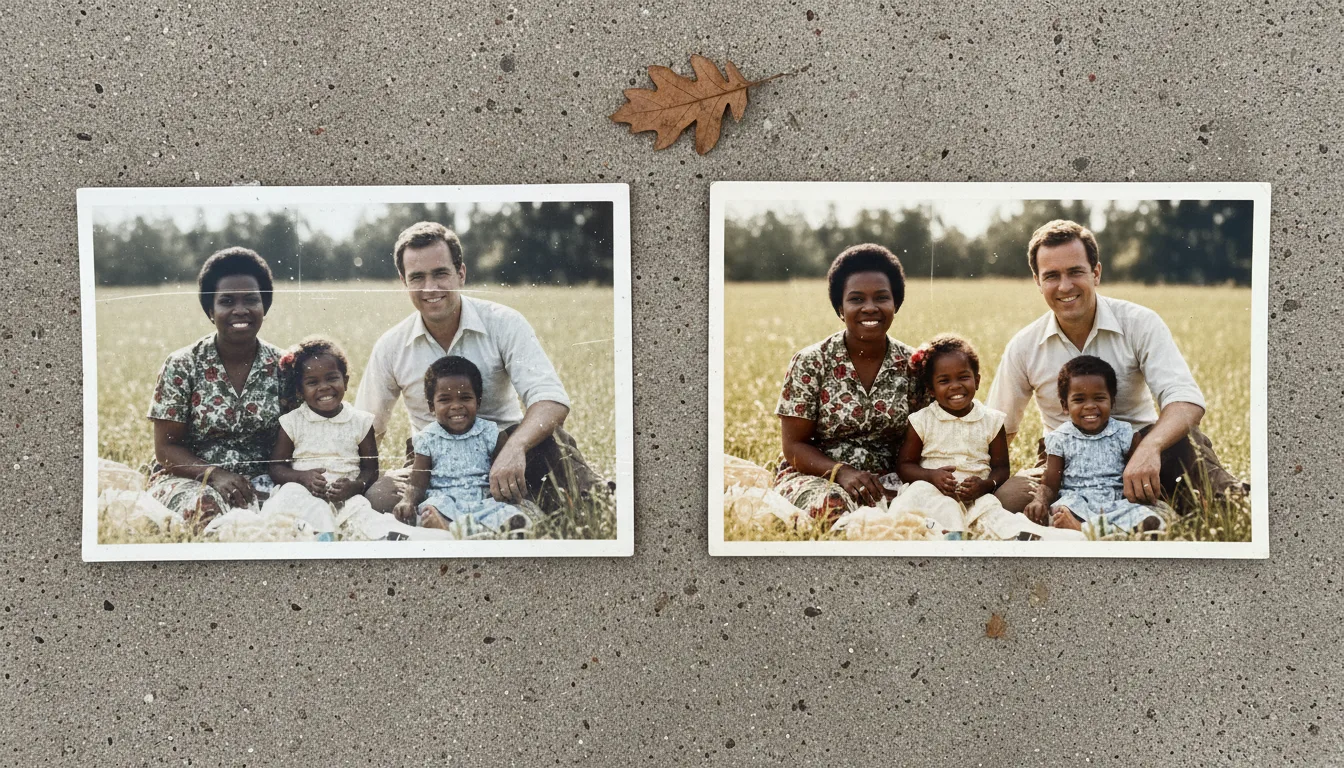
Guide · Compare
Best photo scanning apps in 2026
A scanning app can make digitizing a shoebox fast and painless — or leave you with dark, warped, glary images. Here's what separates a genuinely good one from the rest.
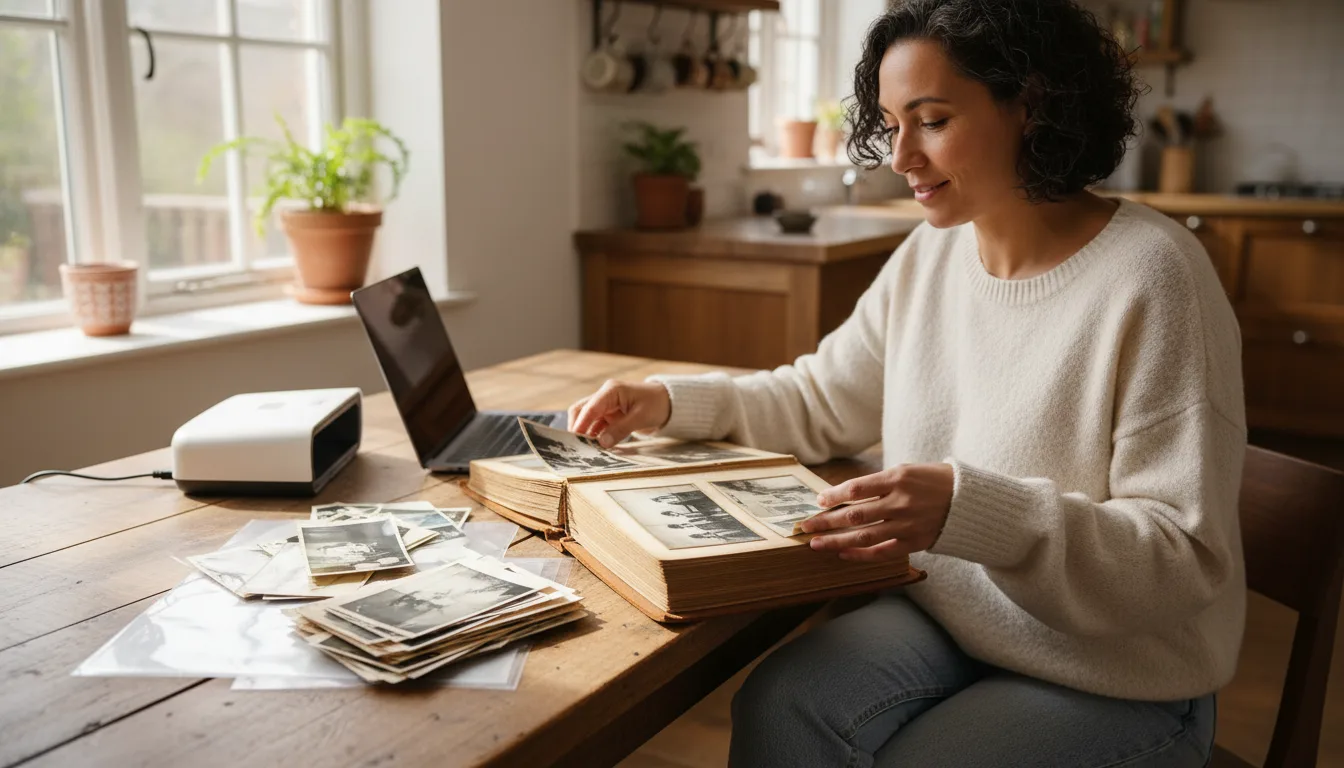
The right scanning app speeds up big collections with smart cropping and glare handling. But remember: light and technique matter more than the app — and restoration happens after.
What to look for in a scanning app
- Auto edge-detection and cropping — finds the photo and trims the background for you.
- Perspective correction (de-skew) — squares up shots taken at a slight angle.
- Glare and reflection handling — some apps take multiple frames to remove hotspots on glossy prints.
- High-resolution capture — don’t settle for downsized output; see scanning in high resolution.
- Fast batch mode — essential for digitizing whole albums quickly.
App vs. stock camera
For your most precious photos, a careful capture in the stock camera app gives the cleanest source. For volume — a shoebox or several albums — a dedicated scanning app’s auto-crop and batch speed save real time. Many people use both. Technique still rules: good light and a steady hand beat any feature list.
Scanning is step one
Whichever app you choose, scanning only digitizes — it doesn’t repair. Once your photos are captured, restore, colorize, and animate them with FotoRipple. Then preserve and back up both scans and originals.